
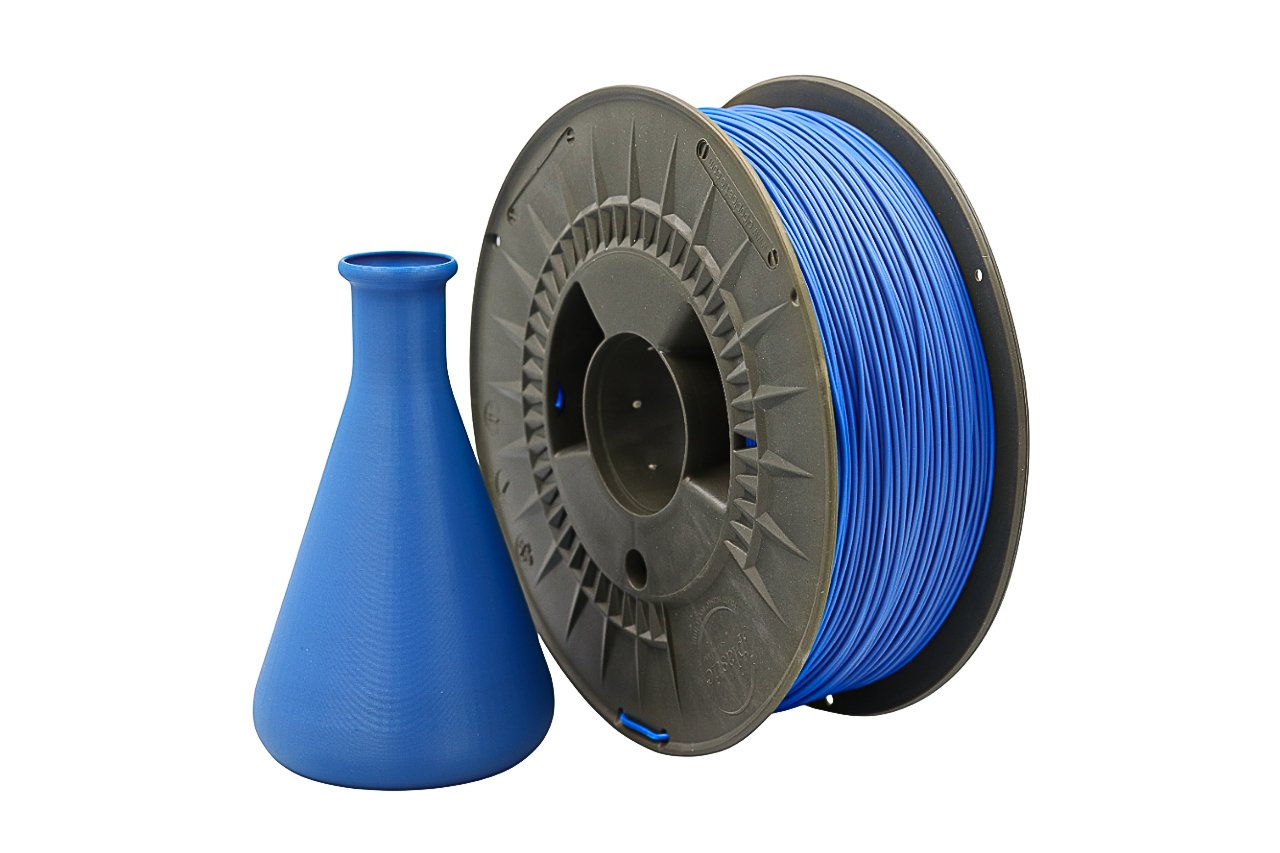
When you’re dialing in PETG prints for high precision, color isn’t just an aesthetic choice. It actually influences print behavior, surface quality, and how accurately your final part matches your model. Crazy, right? A shade change can tweak temperature needs, cooling response, and dimensional consistency. So if you’re exploring our PETG bundles and trying to understand which colors will give you the most reliable accuracy, you’re in the right spot. Let’s break it down.
Why print accuracy matters for PETG users
Whenever you need tight tolerances and consistent dimensions, PETG is already a great material. It’s strong, durable, and loves functional design. But precise printed parts demand precise performance. If you’re making enclosures, clips, joints, prototypes, gears, or mechanical components, accuracy matters as much as durability.
What we mean by PETG color impact
Different pigments affect melt flow, cooling, and sometimes adhesion. That means choosing the right pigment can make the difference between smooth, true-to-model components and parts that need sanding, trimming, or re-printing.
What this guide gives you
We’re explaining how PETG colors influence print precision, which colors from our bundles perform best, and how to get pro-level results no matter which shade you’re feeling today.
Understanding PETG and Print Accuracy
PETG properties that influence precision
PETG naturally offers: low shrinkage compared to ABS, high layer adhesion, better durability than PLA, and smooth extrusion with less brittleness. That’s why it’s a go-to for engineering prints. But PETG also loves to string and can soften quickly, meaning tuning matters.
How color additives affect print performance
Pigments influence heat absorption and flow consistency. Darker pigments tend to heat faster and sometimes need slightly lower temps. Lighter pigments may need a touch more heat to stay smooth.
Why bundles help accuracy hunters
Bundles let you test colors side-by-side with identical PETG chemistry. That means you find your personal precision champions faster, without mixing brands or formulations.
Criteria for Judging the Best PETG Colors
Dimensional fidelity
We considered how consistently each color prints parts that match model specs.
Surface quality & detail resolution
Sharper edges, cleaner transitions, and uniform texture matter for precision engineering prints.
Ease of tuning
Less fussing with temps and flow equals more repeatable accuracy.
Visual clarity for inspecting features
Some colors naturally reveal detail better, helping you evaluate tolerances and layer quality.
PETG Bundles & Top Color Picks for Accuracy
Bundle overview
Our PETG bundles include high-quality, consistent-diameter filament available across multiple color options. Every spool shares the same premium formula, so color is the only variable.
Top Precision Color #1: Natural / Transparent
Natural PETG avoids pigments completely, keeping melt flow incredibly consistent and showing layer structure beautifully for measurement and inspection. Dimensional accuracy is reliably strong. Ideal for prototypes, engineering fits, and parts where clarity matters. Settings tip: Start around 240°C with reduced cooling (20–40 percent) for crisp accuracy.
Top Precision Color #2: Black
Black PETG heats evenly due to high pigment density, giving strong layer adhesion and crisp edges. Excellent sharp detail, reliable stability at slightly lower temps, and a matte finish that helps hide micro-imperfections. Perfect for jigs, fixtures, brackets, covers, and enclosures. Settings tip: Try 230–235°C with slightly increased retraction.
Top Precision Color #3: Gray
Gray PETG offers an ideal balance for precision and visibility. Neutral tone reveals shadows on edges and contours, consistent thermal behavior, and great for mechanical tests and visual QC reviews. Settings tip: About 235°C with standard PETG cooling (30 percent).
Honorable Mentions
White and blue perform great but require slightly tighter tuning. White may need extra heat, and blue can string slightly more depending on your setup.
Practical Accuracy Tips With PETG Colors
Pre-print basics
Keep filament dry, check nozzle for buildup, ensure consistent bed leveling.
Adjustments by pigment
Darker = lower temps. Lighter = slightly higher temps. Transparent = steady heat, slower cooling.
QC habits
Measure test cubes, inspect first layers, keep calibration files handy.
Troubleshooting accuracy issues
Mild elephant’s foot? Raise bed temp gradually. Slight warping? Add perimeters and slow first layers. Stringing? Tune retraction and drying.
Choosing the Right PETG Bundle
Match color to project needs
Engineering prototypes: Transparent. Mechanical brackets: Black. Design evaluation: Gray.
Think beyond looks
Consistency and measurement clarity matter as much as visual preference.
Budget reasoning
Bundles = more testing, less cost, smarter color decisions.