
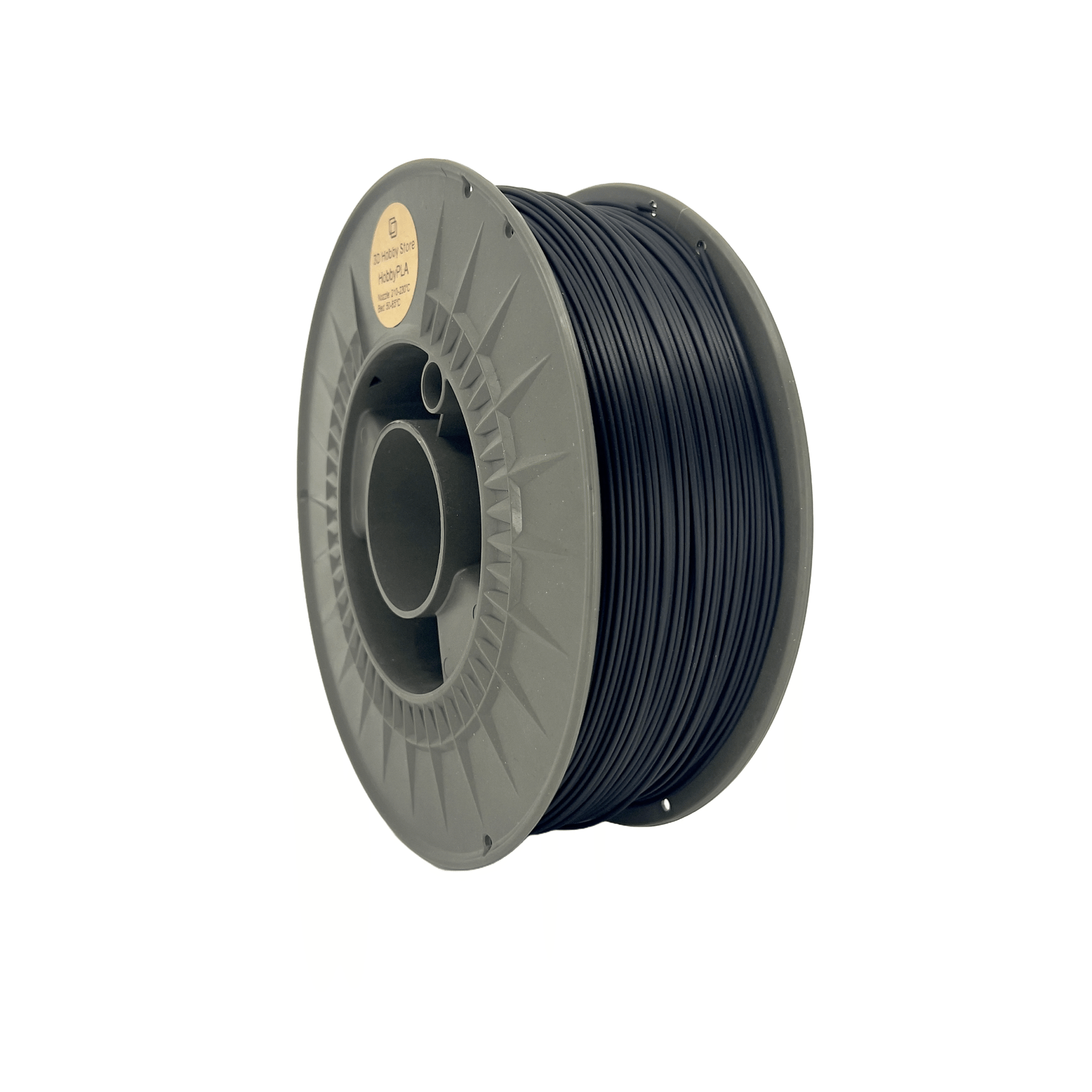
When you’re working on prototypes or finished design models, choosing the right filament color can be more than just an aesthetic choice—it can dramatically affect visibility, inspection accuracy, and perceived polish. PETG, known for its strength, flexibility, and clarity, has become one of the best PETG filament options for professional designers who care about both functionality and finish. In this article, we’ll explore the five most effective PETG colors for prototyping and product design, breaking down how each enhances visibility and surface quality.
Why Color Matters in PETG for Prototyping and Product Design
Color isn’t just about preference—it’s an essential tool in your design workflow. The right color choice helps engineers detect layer inconsistencies, evaluate tolerances, and present realistic models to clients. When using the best PETG filament, color selection can enhance or diminish the prototype’s detail clarity and final appearance.
Visibility: How Color Affects Readability and Inspection
For prototypes, visibility is key. Bright or high-contrast colors make surface defects more noticeable, helping engineers refine print settings and tolerances. For example, vivid yellows or oranges are ideal for test pieces that need quick visual evaluation. On the other hand, darker colors like black or deep gray are better suited for parts where polish and presentation matter most. Choosing the best PETG filament color means balancing how easily you can inspect details with how professional the final product appears.
Surface Polish: How Color Influences the Final Look
Color has a direct effect on how smooth a PETG print appears. Transparent or glossy pigments tend to highlight layer lines, while matte tones help disguise them. Using the best PETG filament ensures that pigment quality complements the natural sheen of the material. For instance, natural clear PETG delivers a glass-like polish perfect for visual prototypes, while opaque colors mask minor imperfections better.
Practical Considerations: Lighting and End-Use Context
Your workspace lighting also affects color perception. Under warm lighting, neutral tones may look softer, while under bright LEDs, transparent PETG can look ultra-polished. When selecting the best PETG filament, consider where the prototype will be evaluated—lab, office, or outdoor environment—and how that impacts visual clarity.
Criteria for Selecting the Top PETG Colors
The following colors were chosen based on visibility, polish, and printability. Beyond looks, every color listed performs well across multiple design contexts when paired with the best PETG filament.
Visibility Score
Colors with high visibility contrast make small defects easier to spot during prototyping. Yellows, oranges, and bright greens fall into this category.
Surface Finish Score
Smooth finishes often depend on how pigments interact with the base polymer. Glossy tones like black or transparent PETG provide sleek looks ideal for client-facing models.
Printability & Material Compatibility
Some pigments alter print behavior. For example, darker PETG may require slightly higher extrusion temperatures, while lighter colors print cooler. Sticking to the best PETG filament ensures pigment additives don’t compromise layer adhesion or clarity.
Top 5 PETG Colors for Prototyping and Product Design
1. Bright Yellow PETG
Yellow is the ultimate visibility color. It highlights imperfections, supports fast inspection, and improves readability under almost any lighting. It’s commonly used in functional testing prototypes where seeing every surface detail is crucial. Pairing bright yellow with the best PETG filament guarantees even color distribution and crisp outlines during layer transitions.
2. Glossy Jet Black PETG
Black is a go-to choice for designers presenting premium or finished models. It emphasizes sleek polish and makes your prototype look like a real consumer product. However, black can hide small defects, so it’s better for late-stage presentations rather than functional debugging. When using the best PETG filament, you get deep, consistent black tones that cure evenly and maintain surface gloss.
3. Clear or Transparent PETG
Clear PETG is the closest you can get to glass-like transparency in 3D printing. It’s excellent for visualizing internal structures, wiring, or moving parts within a design. It also gives off a highly polished finish, especially when printed with low layer heights and proper cooling. The best PETG filament ensures minimal yellowing and smooth translucence—perfect for professional prototypes and design showcases.
4. Medium Grey PETG
Medium grey is one of the most balanced PETG colors. It’s neutral enough to show details without overwhelming the design, and its semi-matte tone hides print imperfections effectively. Many designers prefer it for functional parts and presentation samples alike. When made from the best PETG filament, this color gives a professional, industrial finish that looks consistent across lighting conditions.
5. Bright Orange PETG
Bright orange strikes a balance between aesthetics and utility. It’s great for safety parts, mechanical assemblies, and engineering prototypes where high contrast is needed. It’s also visually engaging—ideal for demonstrating design concepts or educational models. The best PETG filament in orange maintains vibrancy over time and resists fading even under strong lighting.
How to Use These Colors in Your Workflow
Printer Settings for Optimal Results
Adjust temperatures based on pigment density: darker colors need slightly higher nozzle heat, while light and clear tones benefit from slower cooling. Always start with the manufacturer’s recommended settings for the best PETG filament you’re using.
Finishing and Post-Processing
For high-polish results, sand and buff your prints starting from medium grit to fine polish. Transparent PETG responds especially well to flame polishing, while matte colors look best after light sanding. The best PETG filament simplifies finishing by ensuring uniform pigment dispersion and smooth extrusion.
Presentation and Design Context
Use bright or high-contrast colors during early development for inspection. Switch to darker or neutral tones once you move toward final presentation models. When clients see a prototype made from the best PETG filament, they associate it with reliability and professionalism.
Frequently Asked Questions
Does PETG color affect strength?
Not significantly, but lower-quality pigments can impact layer adhesion. That’s why sticking to the best PETG filament is recommended.
Which color hides imperfections best?
Medium grey and matte black do a great job concealing layer lines while keeping a polished look.
Can I paint over PETG?
Yes—light sanding followed by primer helps paint adhere, especially if you start with neutral tones.
Conclusion
Color is one of the most overlooked aspects of prototyping, yet it can define how your model is perceived and tested. Whether you need a vibrant prototype for inspection or a sleek black presentation piece, choosing the best PETG filament ensures your prints look professional and perform flawlessly. From the visibility of bright yellow to the polished elegance of jet black, these top five PETG colors prove that color is both a design decision and a technical advantage.